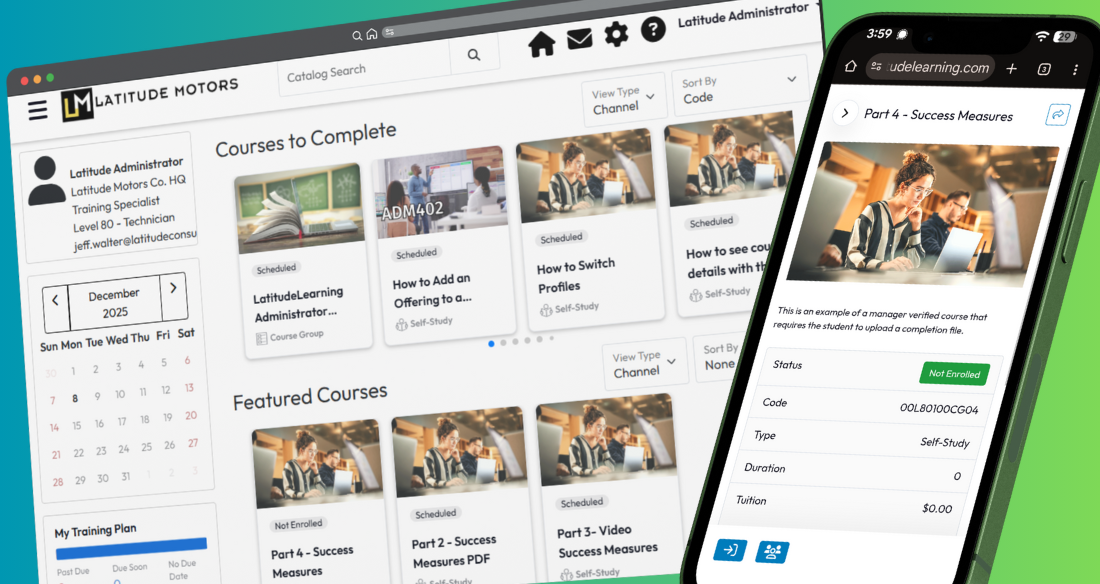
A month ago, we notified our customers still using the original “Classic” LMS user interface (UI) that in January, we would take steps to sunset that UI completely while transitioning all Classic UI portals to our modern, responsive user interface. Many of you have been working on the transition already with guidance from Latitude.
On Sunday, January 25, ALL LatitudeLearning portals which have not self-transitioned to the Responsive UI will be automatically transitioned.
This move is necessary to keep our LMS in line with a constantly changing technology landscape. It will also provide your learners with the flexible, mobile-friendly learning tools they expect. After this update Sunday morning:
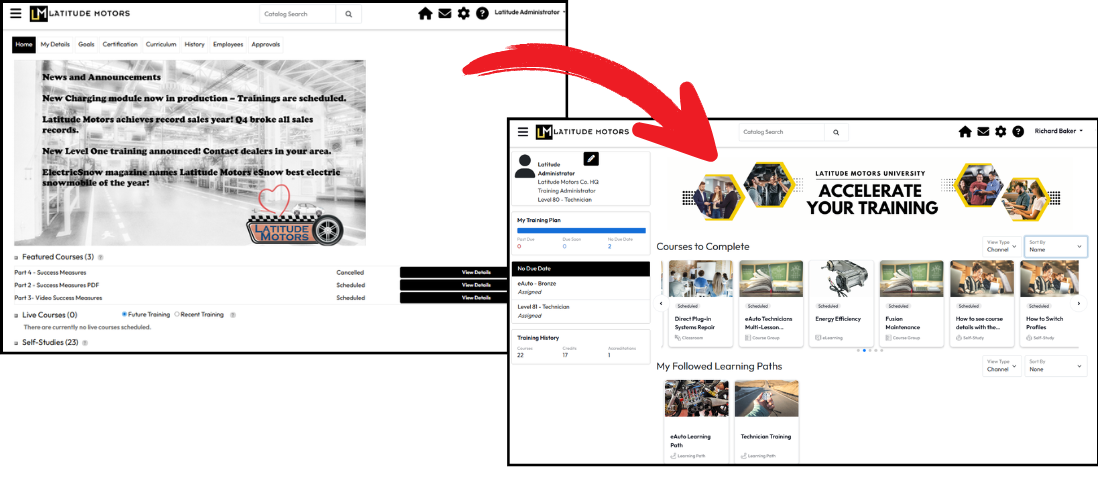
We’ve created a transition support page with resources to help you understand the switch and manage any internal changes needed to make this transition for you as you support your learners.
This page contains information you will find helpful in understanding the responsive UI, its features, and how they correspond with what your learners may be used to using in the classic UI.
Transition to the Responsive User Interface
You’ll also find answers to commonly asked questions about the change, downloads you can use as a starting point for change management with your learners, and links to support site pages that your managers and students can use to find “how-to” support for their new features.