Classroom and Virtual Classroom courses cannot take direct enrollment. Enrolling yourself or others in an instructor-led course requires the existence of a scheduled offering for the course. How to find them? There are a number of places, in addition to the Catalog search, where offering lists are found.
This page provides a quick overview of where any user can find them, if the organization uses the classroom or virtual classroom delivery methods.
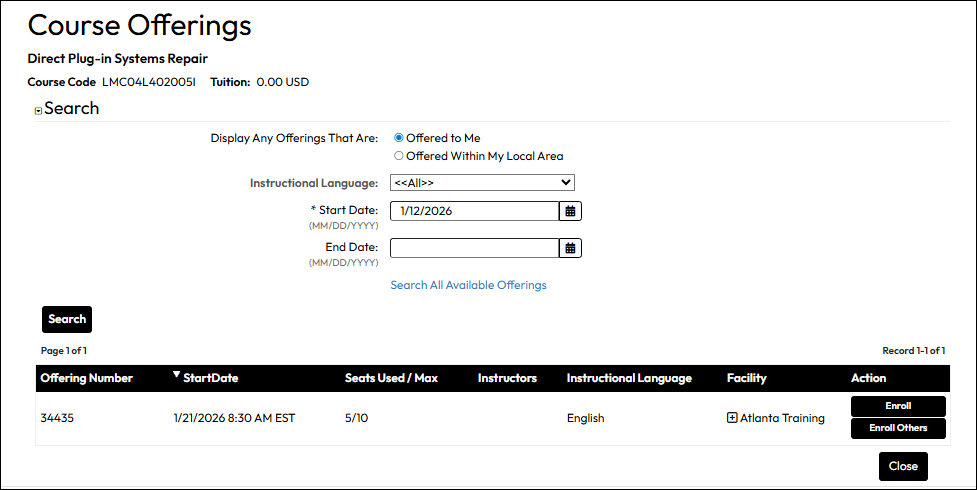
If your portal administrator provides the Catalog Search option to you, there are ways to navigate to an offering list for a specific course from a Course Slide-in on a Classroom or Virtual Classroom type course.
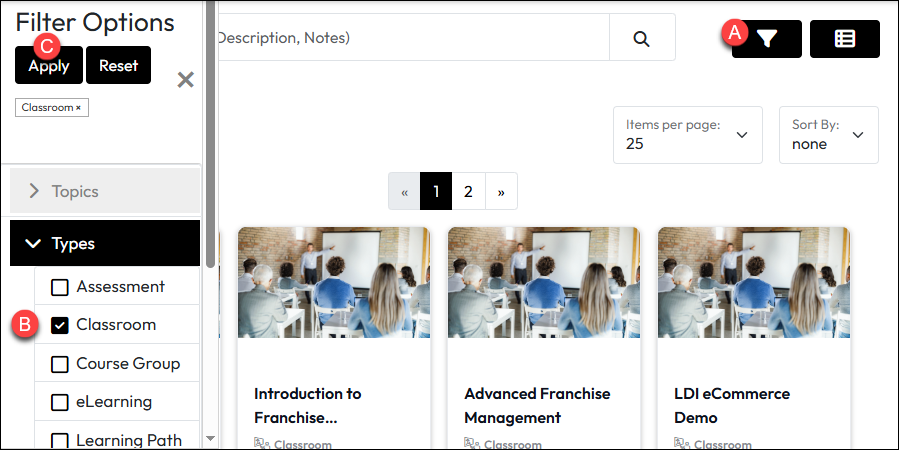
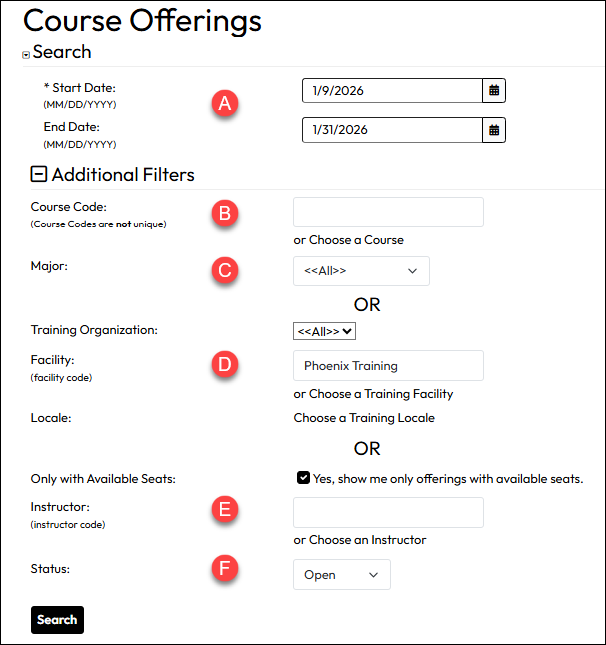
If the portal administrator has exposed the Course Offerings feature on the Navigation Menu, it offers an easy way to filter for Course Offerings you want to see using options like the course code, the facility, and number of open seats. The only required filters is Start Date.
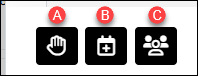
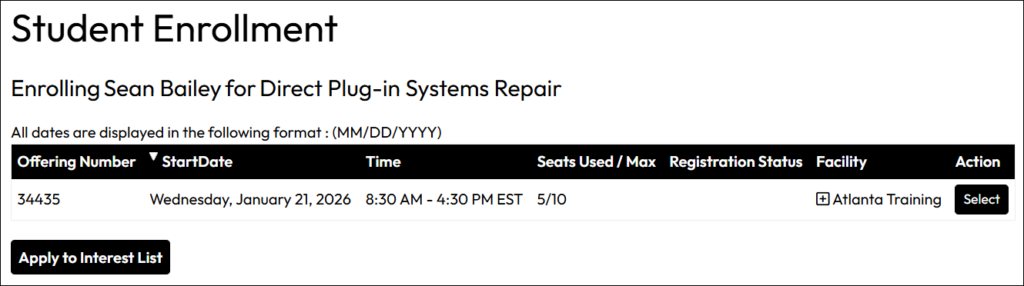
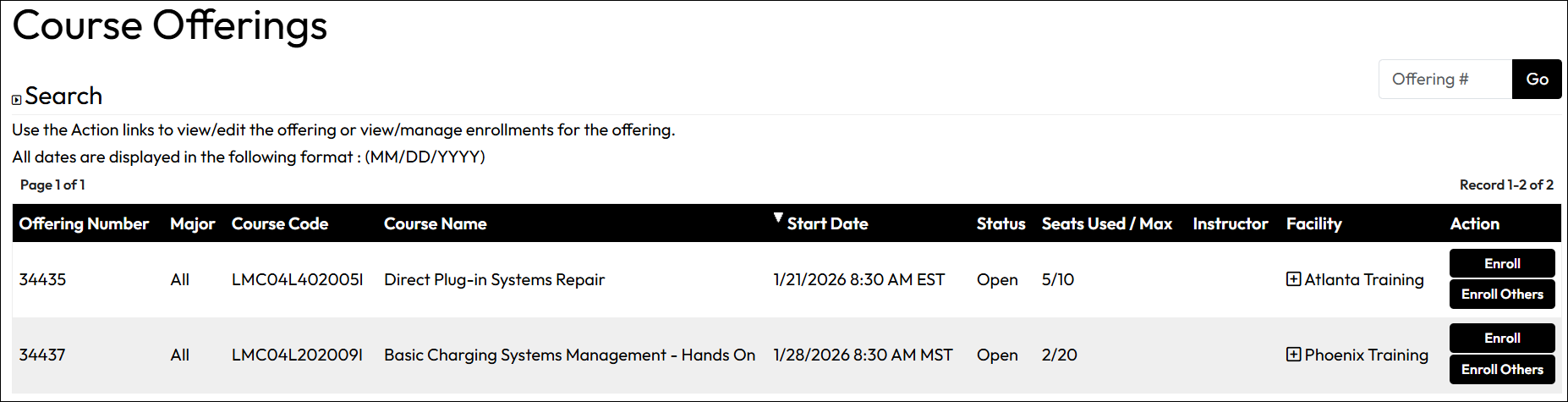
If there are offerings available that meet the criteria, they display in a list as shown below. It indicates the offering number, course name/code, offering start date, registration status, seats used/max seats, and the facility. Actions include enrolling yourself or if you are a manager, enrolling others.
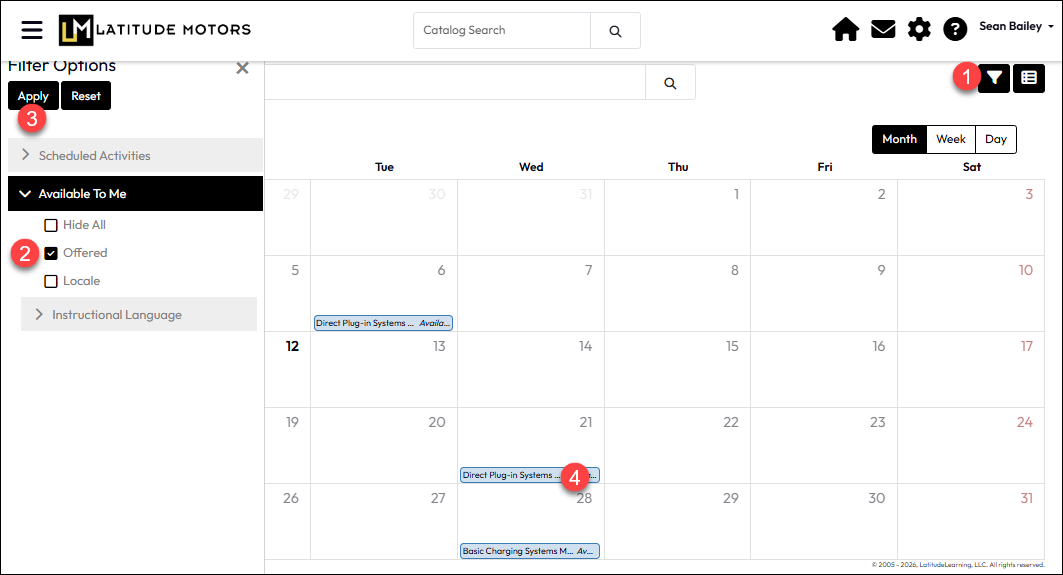
If your portal administrator has made the Training Calendar available, your default view will display only offerings you are already enrolled in and other dated-driven events related to your training. To view offerings you are not already enrolled in, you will need to filter the view.