
Instructor is an LMS role for people who teach instructor-led course offerings, whether in person or online via webinars are via our Adobe Connect virtual classroom add on.
Instructors can be set up in a variety of ways:
Updates performed in one of the options will reflect when viewing the other options.
The instructor profile is part of the User account record and the role is one of the more powerful in the LMS. In addition to being to associate instructors with classroom offerings, instructors can perform a variety of powerful roster management actions before and during the training … and roster processing after to manage attendance, scoring, and passing status.
The sections below will cover the primary areas in which you can add and maintain Instructors.
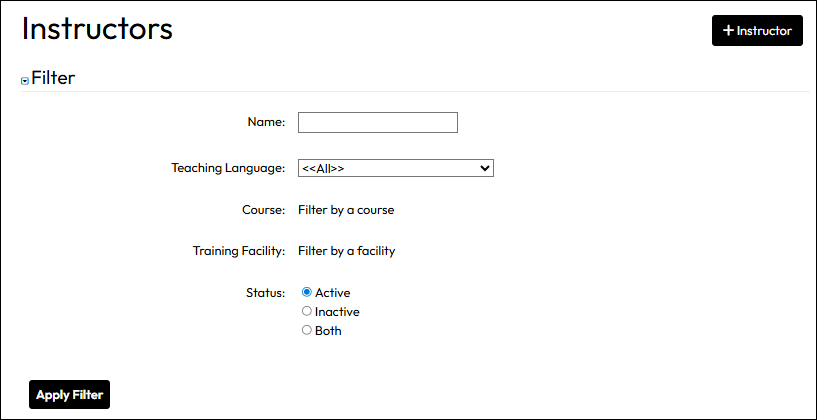
Add or maintain instructors from the dedicated Instructors page:
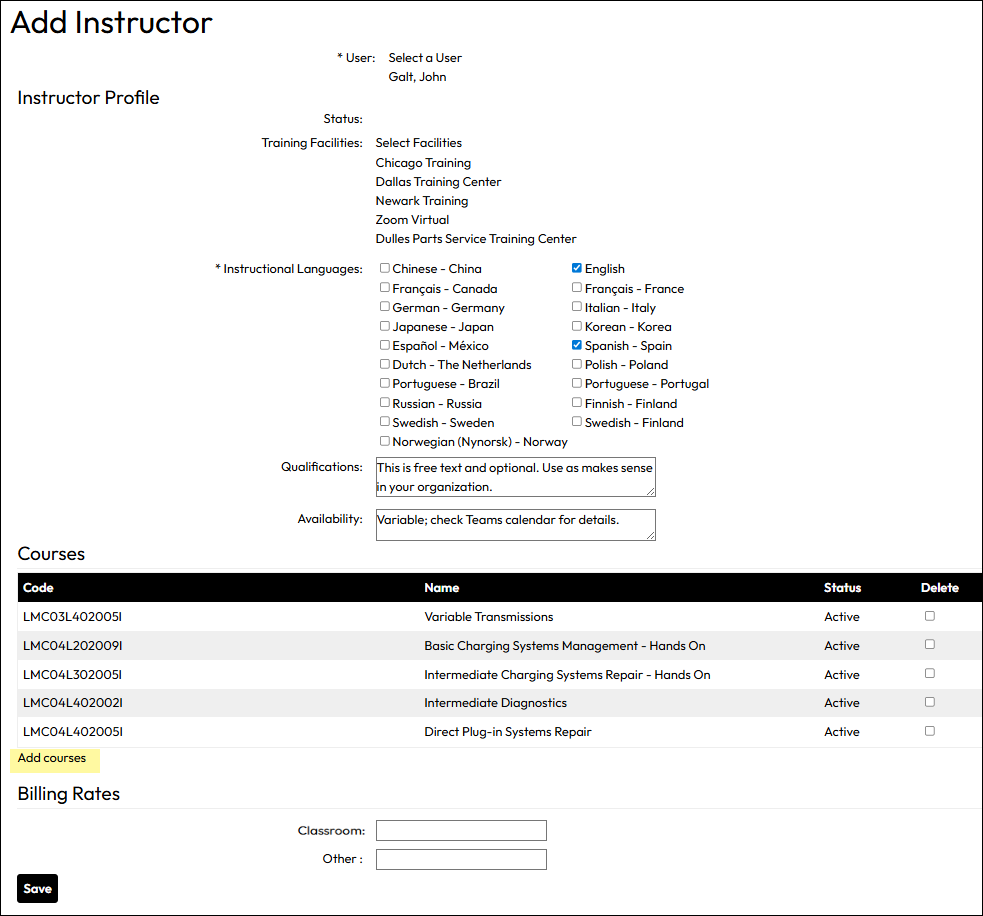
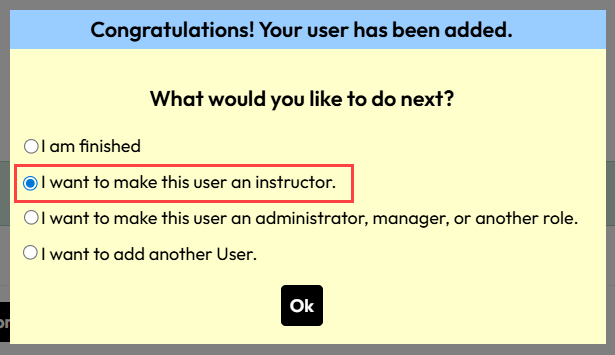
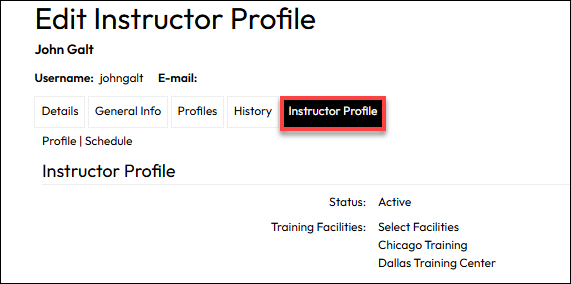
For an existing user, you can add an Instructor role at any time by adding the role to one or more of the user’s profiles.
When using the User Import process, you can include an entry in the Instructor column of the standard user import template.
For any row on the template in which the new user should get an Instructor profile, simply enter Yes in the column exactly as shown with no leading or following spaces. Non-instructor rows should be left blank under Instructor.
When the import completes, you will be able to edit the Instructor Profile tab on the User Details page to include all the relevant information described above.