Are You Ready to Add Courses?
Readily accessible course content is one of the reasons you want an LMS. Adding courses is easy, if the required data is available when you start. Here are some things to prepare and consider before you start.
Course Codes
You can establish course codes in any manner you wish. Having a coding or naming plan upfront can help make the process more efficient.
Organizations
Before adding courses, you’ll need to have your organization structure established. Courses are tied to Business Units. Make sure you have any additional Business Units (BU)set up prior to starting so that you can add them to each course, as desired. Although you can add new BUs at any time, it’s easier to add them at the same time. Knowing which BUs need which courses ahead of time is very helpful.
Other Considerations
Take time to think about some key configuration points:
- Is Approval Required?
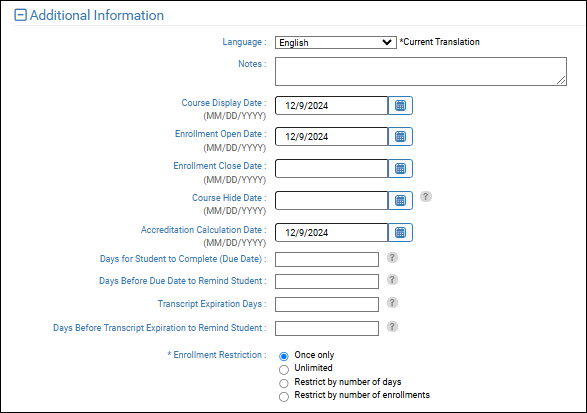
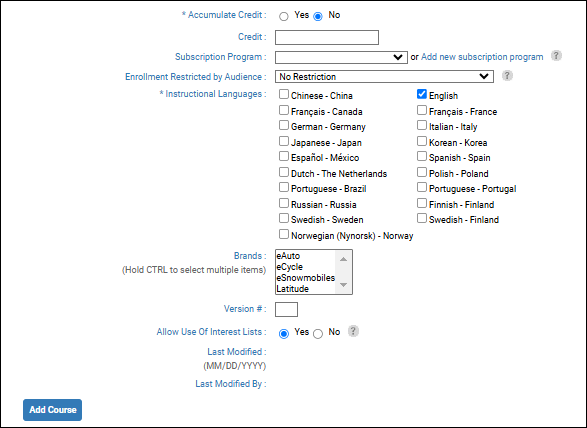
- What are the Enrollment Restrictions?
- Are there Due Dates for completion and do they need reminder messages?
- Do you have the ability to author SCORM content for eLearning using common tools like Adobe Captivate or Articulate Storyline?
One of the only things that cannot be changed after course creation is the Delivery Method. You can edit most other settings any time after the course is established.
Self-Study Course Formats
When creating a course using the Self-Study delivery method, administrators can configure one of two course formats:
-
Single-Content Self-Study: Uses one primary content resource or link. This format is appropriate for courses built around a single document, video, or other learning resource.
-
Lesson-Based Self-Study: Organizes training into multiple video lessons. Each lesson uses either a Presentation resource or a File resource containing an MP4 video. Administrators can configure lesson instructions, translations, and optional enforced lesson order.
Both formats use the Self-Study delivery method, but their content configuration and completion options differ.
For detailed instructions, see Self-Study Courses and Self-Study Course Creator (this feature is being release 11.22.26).